
Commands
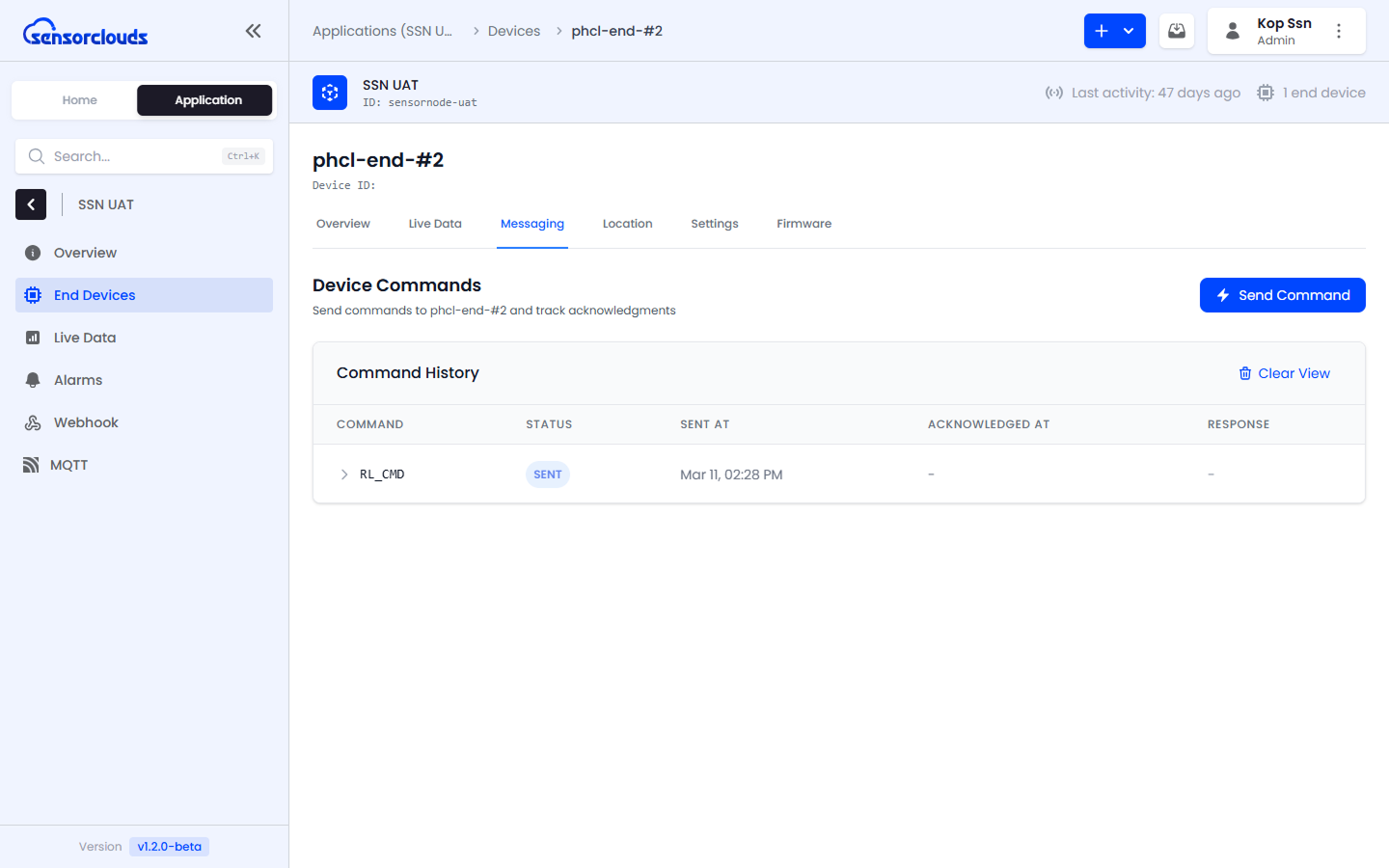
Device Commands
Send instructions from Sensorclouds to your devices and know when they've been carried out
Commands let you control devices remotely: reboot a unit, change how often it reports, switch a relay, or request a status report. Sensorclouds sends the command over MQTT and tracks it until the device confirms it.
Common uses
| Command (example) | Parameters | Effect |
|---|---|---|
reboot | {"delay": 5} | Restart after 5 seconds |
setInterval | {"seconds": 30} | Report every 30 seconds |
relay | {"state": 1} | Switch a relay on |
status | {} (no parameters) | Send a status report |
Command names and parameters are yours to define. Sensorclouds delivers whatever your firmware understands.
How it works
You send a command from the device's Messaging tab, or a dashboard toggle sends it.
Sensorclouds publishes it to the device's /cmd topic with a unique commandId.
The device carries it out and publishes an acknowledgment to /ack.
The command's status updates live: ACKNOWLEDGED or FAILED, or TIMEOUT after 5 minutes with no reply.
Who can send commands
| Role | Can send |
|---|---|
| Admin | Any command to any device |
| Engineer | Any command to devices in their applications |
| Crew | Only through toggle widgets on their dashboards, and only the exact command each toggle is set up with |