
Authentication
How signing in, sessions, and workspace access work in Sensorclouds
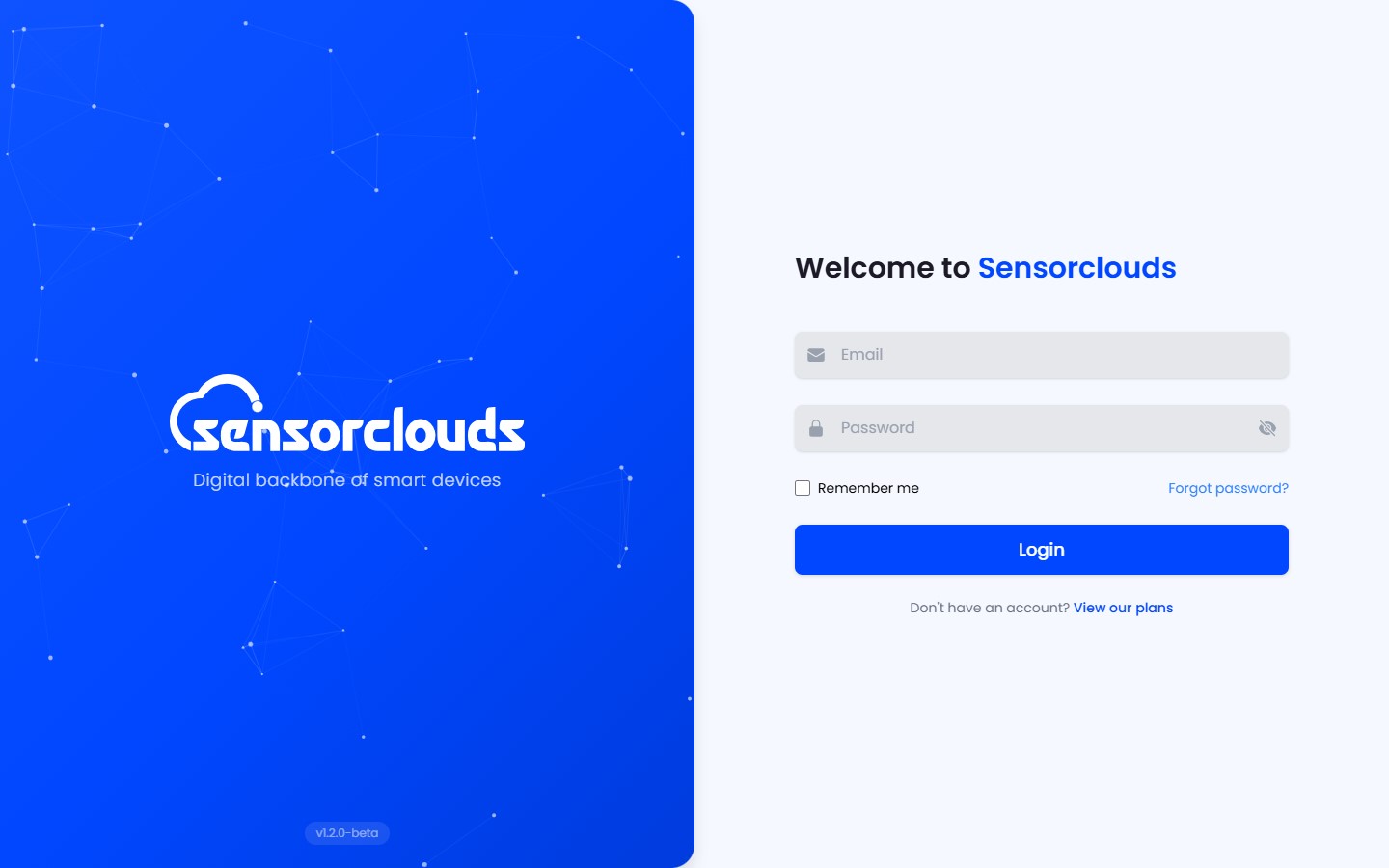
You sign in to Sensorclouds with your email address and password. One account gives you access to every workspace you belong to. This page explains how sign-in and sessions work, and what the messages on the login page mean.
Getting into your account
| You want to… | Use |
|---|---|
| Register a new organization | Create one on the login page. See Creating Your Account |
| Join a team that invited you | The invitation link. See Accepting Invitations |
| Recover a forgotten password | Forgot password?. See Resetting Your Password |
| Confirm your email | Resend verification email (shown when needed). See Verifying Your Email |
Where you land after signing in
| Your situation | You land on |
|---|---|
| One workspace, as Admin or Engineer | /tenant-admin/home |
| One workspace, as Crew | /crew/home |
| Several workspaces | The Workspace Hub, to choose one |
| No workspace yet | The Workspace Hub, to create or join one |
How your session works
| Behavior | What it means for you |
|---|---|
| Secure cookies | Your sign-in is kept in secure, browser-only cookies that page scripts can't read. Your credentials are never stored in browser storage |
| Silent refresh | Sign-ins are short-lived for safety and renew in the background while you work, so you aren't logged out mid-task |
| Inactivity | If you're away long enough, you'll be asked to sign in again |
| One active sign-in | Each account has one active session at a time (see below) |
One active sign-in per account
Signing in on another device or browser ends the earlier session. The device that was signed out shows:
Your session was ended because your account was signed in on another device.
Tabs in the same browser share one session, so you can keep as many tabs open as you like.
If you see this message and didn't sign in somewhere else, change your password right away. That signs out every other session.
Need a script, data pipeline, or integration to read your data? Don't share a user login. Create an API key instead.
Workspace access is checked every time
Sensorclouds checks your current membership on every action, so changes take effect at once:
- Role changed: the next action uses your new role.
- Suspended or removed: access ends immediately, including live dashboard and live-data updates. Open tabs return to the Workspace Hub.
- Several tabs: each tab keeps its own workspace, and every save goes to that tab's workspace. See Switching Workspaces.
Signing out
When you sign out:
- Your session ends on the server, not just in your browser.
- Live connections for that session close.
- You return to the login page.
Other ways sessions end
| Event | Sessions ended |
|---|---|
| You change your password | All except the one you changed it from |
| You reset your password | All of them |
| You sign in somewhere else | The previous one |
Sign-in messages
| Message | What it means | What to do |
|---|---|---|
| Invalid email or password. Please check your credentials and try again. | The email or password is wrong | Check both. Use Forgot password? if needed |
| Your email isn't verified yet… | You haven't confirmed your address | Click Resend verification email. See Verifying Your Email |
| Too many failed attempts. Try again in N minutes, or reset your password. | Sign-in is paused after repeated wrong passwords | Wait, or reset your password. See Password Policies |
| Too many login attempts. Please wait a moment and try again. | Too many sign-in requests in a short time | Wait a moment |
| Your session was ended because your account was signed in on another device. | Your account signed in elsewhere | Sign in again |
| Unable to connect to server. Please try again later. | The platform can't be reached | Check your connection and try again |