
Global Search
Find anything in your workspace with Ctrl+K
Global search is a full-screen overlay that finds resources and pages in the workspace you have open, from anywhere in the app.
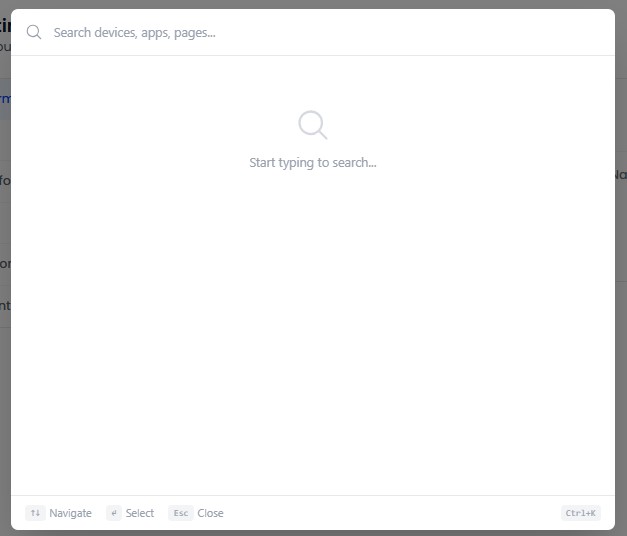
Opening search
Press Ctrl+K (Cmd+K on Mac), or click the search icon in the sidebar.
What you can find
| Role | Searchable |
|---|---|
| Admin | Devices, applications, alarms, dashboards, firmware, OTA campaigns, integrations, and pages |
| Engineer | Devices, applications, alarms, dashboards, firmware, OTA campaigns, and pages, within your applications |
| Crew | Your dashboards and pages |
Using search
Open search and start typing. Results appear as you type, grouped by category.
Use the arrow keys to move through results.
Press Enter to open the selected result, or Esc to close.
Your recent searches appear under Recent Searches when the box is empty. They're kept in your browser only. Click Clear to remove them. If nothing matches, search shows No results for "…".
Search for a page name such as "firmware" or "users" to jump straight there. Pages are included in the results.
Search covers only the workspace open in this tab, and only what your role there lets you see. To find something in another workspace, switch to it first.