
Engineer
Technical access scoped to the applications you create or are assigned to
Engineers build and run the parts of a workspace they're responsible for: the applications they create or are assigned to, and the devices, dashboards, and alarms inside them.
Access
- URL:
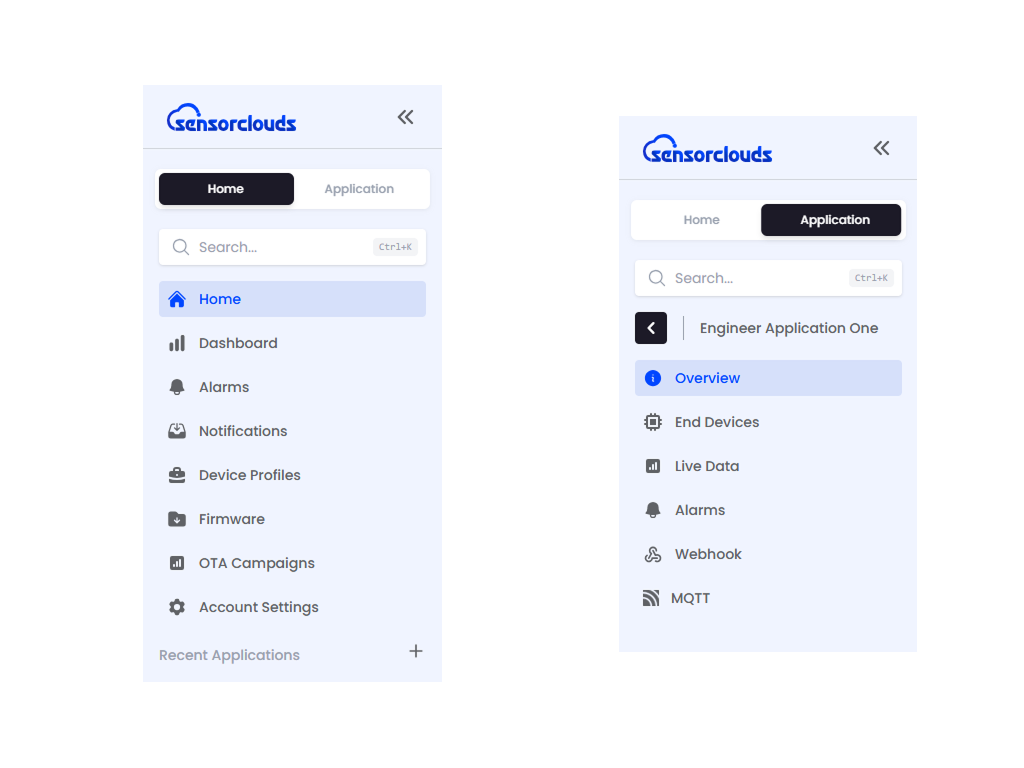
/tenant-admin/(same layout as Admin) - Layout: tenant layout, with the items an Engineer can use
Capabilities
| Area | What Engineers can do |
|---|---|
| Applications | Create applications, and edit the ones they created or are assigned to |
| Devices | Register, edit, move, and send commands to devices in those applications, and watch their live data |
| Device profiles | Create profiles and edit their own. They can use their own profiles plus those shared with Tenant visibility |
| Dashboards | Create dashboards, edit and share the dashboards they created |
| Alarms | Create and edit rules, and acknowledge or resolve alarms, for their applications |
| Integrations & reports | Create, edit, and delete integrations and Telegram reports scoped to their applications |
| Firmware & OTA | Upload firmware for their applications and run OTA campaigns |
| Members | Invite Crew, and manage the members they invited (Crew role only) |
Everything is scoped to their applications. Devices, telemetry, notifications, live data, and search results from other applications aren't visible to Engineers. Dashboard widgets can only use devices from their applications, so a dashboard an Engineer shares with Crew never exposes another team's devices.
Restrictions
- Can't delete applications, devices, device profiles, dashboards, alarm rules, or firmware. Only Admins can delete these.
- Can't manage workspace-wide integrations or API keys. The main sidebar has no Integrations item for Engineers. They use each application's Integrations page instead.
- Can't invite Engineers, and can't manage members someone else invited. Those members appear dimmed on the Users page.
Use cases
- Site or project owners who run specific deployments within a larger workspace
- Integrators building applications and dashboards for a customer, inside the customer's workspace
- Operators who manage devices and monitor data but shouldn't delete resources
Typical Engineer workflow
Create an application (or ask an Admin to assign you one).
Register devices and confirm data in Live Data.
Build a dashboard for the site.
Invite the site's Crew and assign them the dashboard.
Add alarm rules so the team is alerted.